FR-6A05ƒ/11 · 1/60 · ISO 400Roll /gear-industry
Apple's OLED MacBook Pro Brings Adobe RGB to a Laptop Screen for the First Time
Apple's OLED MacBook Pro ships November 6 from $2,899, adding touch, 2,000-nit peak brightness and first-ever Adobe RGB coverage on a Mac laptop screen.
Processing notes
- OLED MacBook Pro ships November 6; 14-inch from $2,899, 16-inch from $3,399 (M5 Pro).
- PROLED XDR display: 2,000 nits peak, 10,000,000:1 contrast, first Adobe RGB coverage on a MacBook.
- Touch input comes to Mac for the first time, with Lightroom and Resolve adding support.
- 16-inch model weighs 4 pounds, down 0.7 pounds, with up to 24 hours of video streaming.
- Mini-LED MacBook Pro models, including a new M6 14-inch, remain on sale.
Apple's new MacBook Pro lineup, introduced at a launch event in Hollywood on October 22, pairs a tandem OLED display with touch input for the first time on a Mac, and every model now covers Adobe RGB — a first for Apple laptops. Preorders are open now, with availability on November 6. The 14-inch model starts at $2,899 with an M5 Pro chip and $4,499 with M5 Max; the 16-inch starts at $3,399 and $4,799 respectively.
The PROLED XDR display is the headline change for working photographers. It reaches 2,000 nits of peak brightness on HDR content and on SDR content outdoors, holds 1,000 nits across the full screen, drops to 1 nit in a dark room, and carries a 10,000,000:1 contrast ratio. That compares with the mini-LED Liquid Retina XDR panel, which stays on sale in the rest of the MacBook Pro line, peaks at 1,600 nits on HDR only, and offers a 1,000,000:1 ratio — roughly a tenth of the new panel's contrast.
Why does the display matter for print work?
Until now, every MacBook Pro screen stopped at the P3 color space. P3 suits HDR video and color grading, while Adobe RGB is the space many photographers use when images are headed to print. Mac users previously had to choose between Apple's HDR display and print-oriented color; that trade-off is gone. The panel covers more than 80% of Rec. 2020 and extends further into greens and cyans, and Apple places both color spaces in a single default preset.
The reference modes include Adobe RGB versions of the Photography and Design and Print modes, plus a new HDR Photography mode. The Apple Pro Display Calibrator allows calibration to custom targets, and Apple positions the machine as a portable reference display. A hands-on demo of a glassblowing clip in Final Cut Pro showed deep shadows holding up beside fire-bright highlights — something backlight-based displays struggle with, since light spills from bright areas into dark ones. Tandem OLED stacks two layers of light-emitting pixels, and a display engine behind the panel adjusts color and brightness per pixel in real time, compensating for content, temperature, and pixel wear. Every panel is factory-calibrated so units match.
What does touch change in the workflow?
Touch runs across the line, with the sensor built into the panel to cut latency — the writer described it as smooth as an iPhone or iPad. macOS translates touches into clicks by default, so existing apps work immediately, and new gesture APIs let developers build touch-specific interactions. Adobe Lightroom and DaVinci Resolve are among the third-party apps adding support, including pinch-to-zoom on a photo. For video shooters, genlock support syncs refresh rate to a camera's capture, reducing ghosting and tearing on set and in virtual production. The Dynamic Island arrives on Mac as the home for Spotlight, Live Activities, and Siri AI.
How do the configurations and pricing break down?
Every configuration uses the same PROLED XDR display with touch, so the decision comes down to size and chip:
- 14-inch: 14.2-inch panel at 3,024 x 1,986, 254 ppi; M5 Pro with 15-core CPU and 16-core GPU, or 18-core CPU and 20-core GPU; 3 pounds (1.38 kg) with M5 Pro; 72.6 Wh battery rated up to 22 hours (M5 Pro) or 20 hours (M5 Max) of video streaming.
- 16-inch: 16.3-inch panel at 3,472 x 2,266, 254 ppi; M5 Pro with 18-core CPU and 20-core GPU; 4 pounds (1.82 kg) with M5 Pro — 0.7 pounds lighter than its predecessor and nearly a millimeter thinner; 100 Wh battery rated up to 24 hours (M5 Pro) or 22 hours (M5 Max).
- M5 Max tiers start at 36 GB of memory and 2 TB of storage, scaling to 128 GB and 16 TB — capacity aimed at 8K video, large 3D scenes, and local AI models.
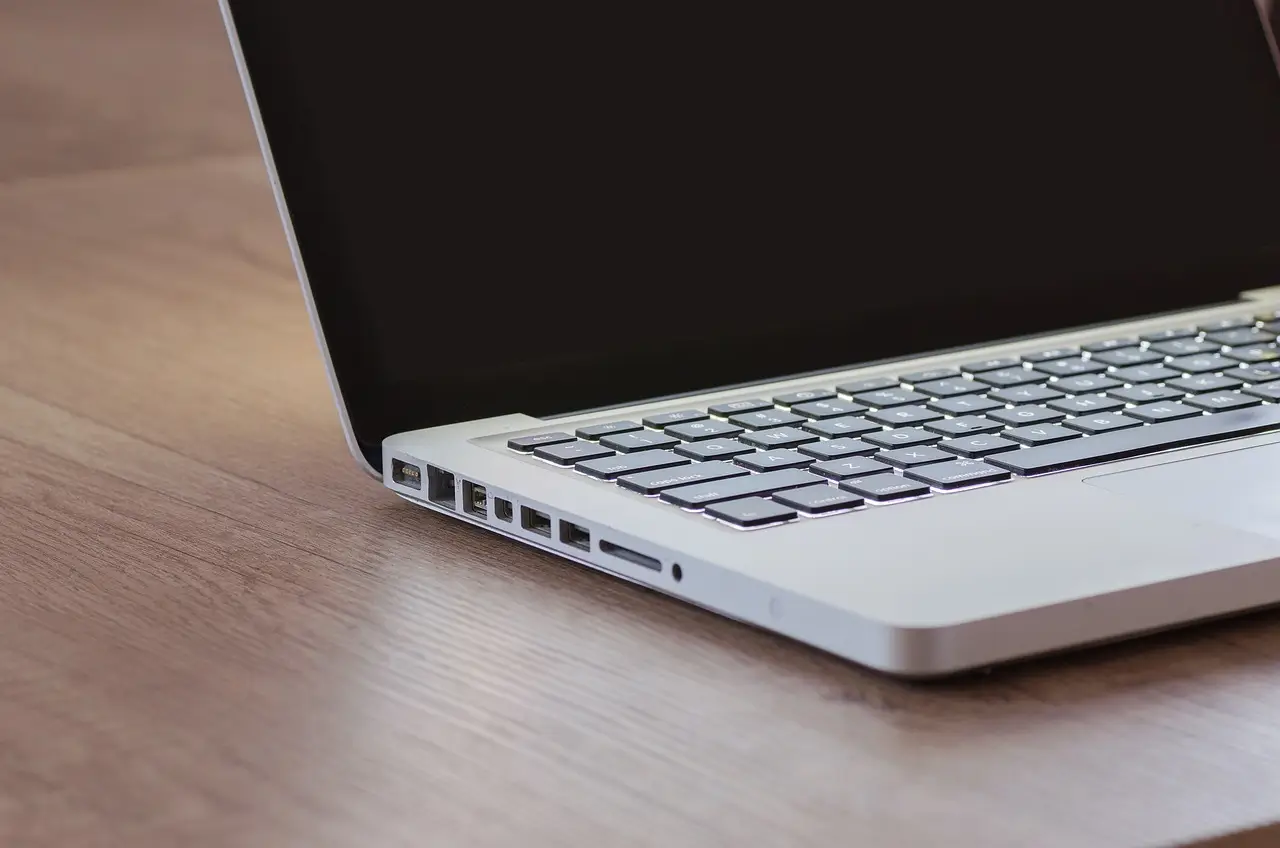
- Both sizes keep the SDXC card slot, HDMI, MagSafe 3, a headphone jack, and three Thunderbolt 5 ports. ProMotion runs 10 Hz to 120 Hz. An antireflective coating is standard; the optional Nano-texture finish is now etched into the cover glass.
Buyers who want Apple silicon without the new display can still buy the mini-LED models, including an M6 version of the 14-inch announced the day before. Whether the OLED panel justifies the entry price for individual studios will become clearer once independent color measurements appear alongside the November 6 ship date.
via bhphotovideo.com (Original)
More from Amara Osei
Show full bio
Market editor covering companies, deals and strategy in professional photography industry at Photo Trade Wire.
116 articles