Gemini for Mac Gains Computer Use for Hands-Off Batch Editing
Google's Gemini Mac app can now click and type inside desktop apps and the web, enabling batch photo color-grading and automated listing workflows for AI Plus, Pro and Ultra subscribers, starting today in US English.
Processing notes
- Computer use rolls out today in US English for Google AI Plus, Pro and Ultra subscribers.
- Gemini can click and type inside local desktop apps and the web from an isolated background window.
- New Desktop connectors include Blender and Autodesk Fusion, joining Git and Obsidian.
- Google cites batch color-grading photos and automated resale listing as example workflows.
- Users can stop the agent with one click; logins and payments trigger pauses requiring confirmation.
Google has begun rolling out "computer use" in the Gemini app for Mac, letting the AI click, type and navigate menus inside local desktop applications and on the web — a change that puts automated photo editing and listing workflows directly in reach of subscribers on AI Plus, Pro and Ultra plans, starting today in US English.
The upgrade marks a functional leap for the Mac app. Until now, the Task feature — formerly called Gemini Spark — could only work with local files when paired with Connected Apps such as @Gmail or @Google Calendar. Computer use removes that ceiling. Google says Gemini can now carry out multi-step tasks in desktop software and browsers, including navigating menus and filling out forms.
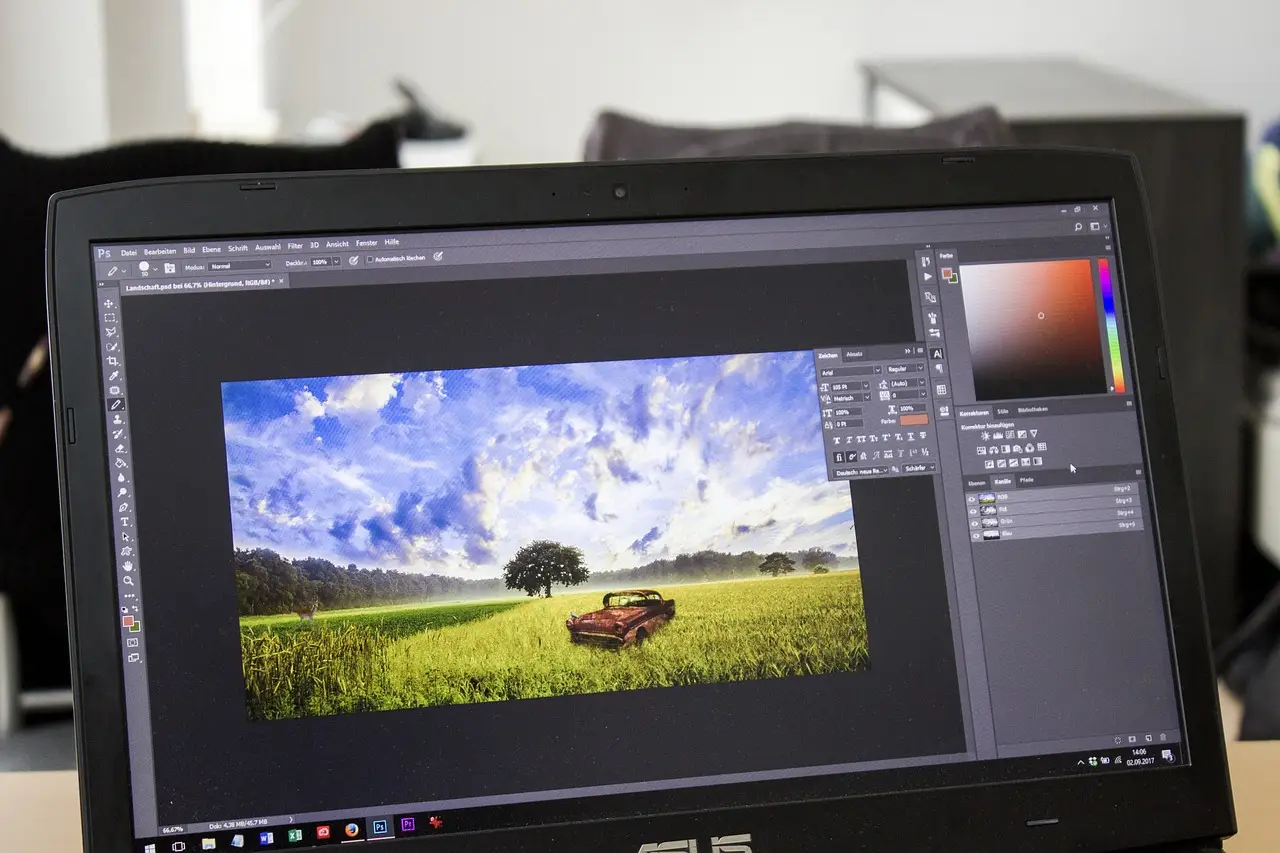
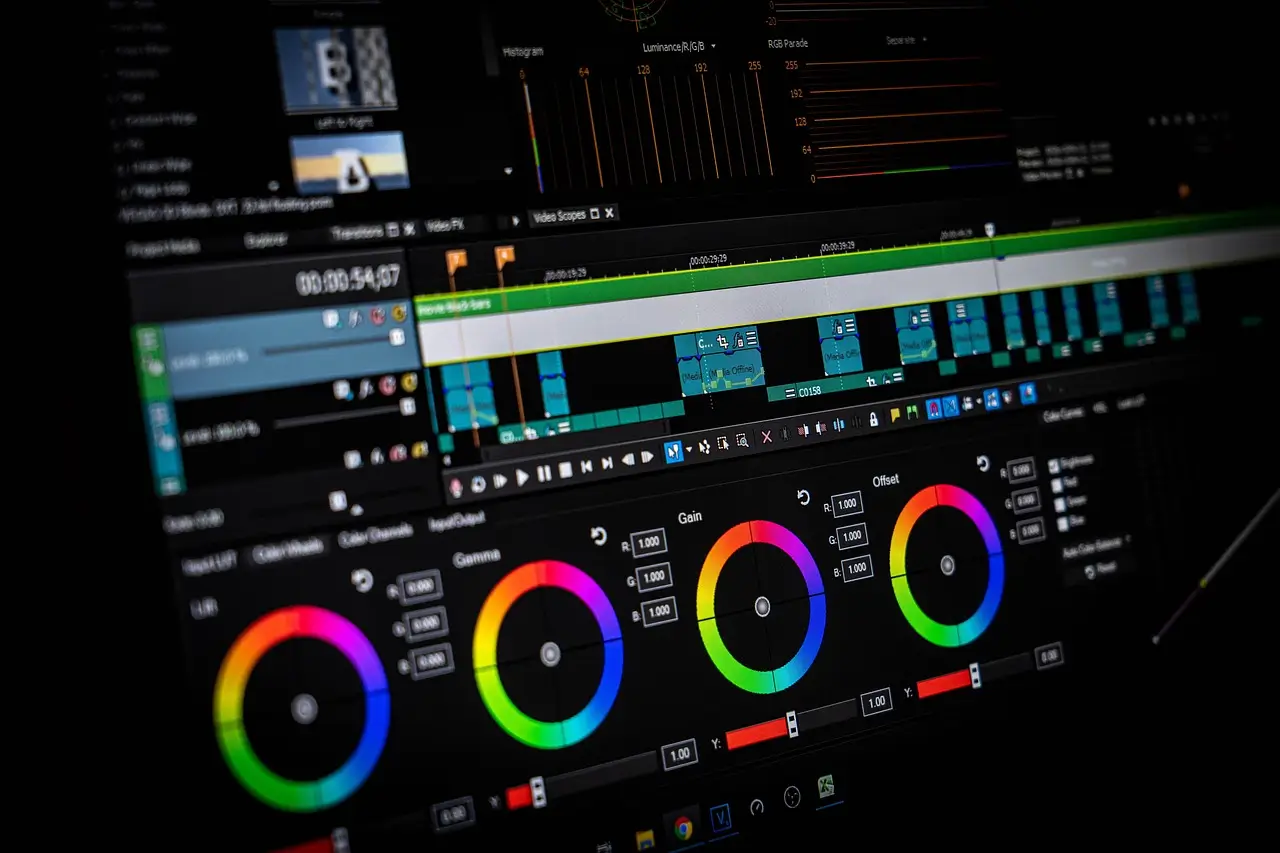
For photographers, the most concrete example Google cites is batch color-grading photos "in your favorite design software" and setting up complex 3D scenes. The model runs in what Google describes as an "isolated background window with a live preview right in your chat," leaving the user's main screen and cursor free.
What does this change for working photographers?
The practical shift is unattended, multi-app automation. Google's own use cases read like a studio assistant's task list:
- Batch creative work: color-grade photo sets inside existing desktop editing software, or configure layered 3D scenes.
- Form entry without typing: extract weights, dimensions and addresses from local PDFs and fill out multi-box shipping quotes.
- Live data to decks: pull metrics and screenshots from regional dashboards and assemble a presentation in Google Slides.
- Resale listings at scale: analyze clothing photos from a local folder, research pricing, log item details and stage listings on resale platforms.
That last workflow — analyzing a folder of product images, researching prices and preparing listings — is essentially a stock or secondhand-commerce pipeline that previously required either manual labor or custom scripting.
How invocation and connectors work
Users trigger the capability by adding @Computer use to a prompt. Under Customize > Connecters, Google is also expanding its desktop integrations: new "Desktop" apps include Blender and Autodesk Fusion, joining existing Git and Obsidian connectors. That signals Google is targeting pro creative and technical software, not just consumer utilities.
Safety guardrails and limits
Google has built in several checkpoints. Users can stop Gemini at any time with one click, and they choose which apps the agent is allowed to operate. The system pauses for logins and payments, and it requires confirmation before executing sensitive actions. Google frames the value proposition as handling "tedious steps in the background so you can save time without giving up your screen or cursor" — a nod to the many everyday tasks that span desktop apps and websites which don't connect to each other.
Availability and what to watch
The feature is live today, US English only, and requires a paid Google AI subscription — AI Plus, Pro or Ultra. Free-tier users are excluded for now. Google has not announced dates for other languages or regions, nor for a Windows equivalent, so cross-platform studios should treat this as a Mac-only capability in the near term. Whether the click-and-type agent proves reliable enough for production-grade batch editing — as opposed to demos — will become clear once working photographers test it against real catalogs.
via 9to5mac.com (Source)
More from Grace Kim
Show full bio
News editor covering technology and product news in professional photography industry at Photo Trade Wire.
174 articles