Adobe Max: Premiere Color Mode Ships, Generative Remove Enters Beta
Premiere's Color Mode is now generally available after an April beta, while Generative Remove enters beta and MCP integrations preview third-party agents editing native project files.
Processing notes
- Premiere Color Mode became generally available, seven months after its April public beta launch
- Generative Remove, AI object removal with automated masks, entered beta at Adobe Max
- Premiere's AI Assistant, in public beta since June, gained sequence-wide editing capabilities and slash-command 'skills'
- Adobe previewed local MCP integrations letting third-party agents edit native Premiere, Photoshop, Illustrator and After Effects project files
- Generate Soundscape and Generate Music, introduced in beta in September, now feed the expanded Generative Media Tool
Premiere's Color Mode is now generally available, roughly seven months after Adobe put the color-grading environment into public beta in April — the headline item in a long Max-conference update list that also includes an AI object-removal tool, expanded audio separation, and a preview of third-party AI agents working directly inside project files.
Some of what Adobe announced this week is shipping. Some is beta. Some is a preview. Sorting the three matters for anyone planning a workflow around these tools this quarter.
What actually shipped?
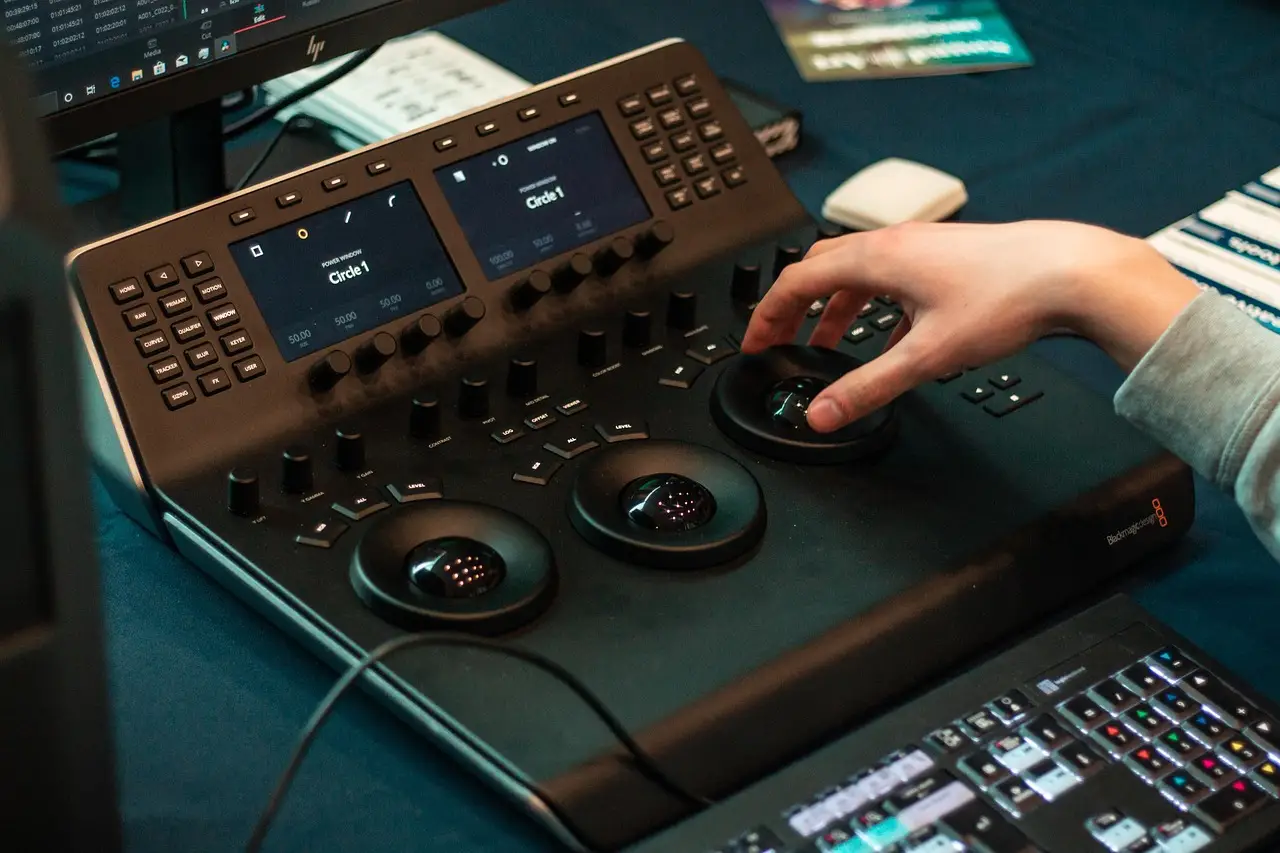
Color Mode, first and foremost. It gives Premiere a dedicated grading environment with a simplified interface, separate from the timeline view, aimed at editors who don't employ a professional colorist. That's a real production gap it's addressing — though whether the output holds up against a graded finish from a dedicated suite is a separate question.
The core feature is Style Presets. Adobe claims they're more flexible than a LUT: editable, stackable collections of adjustments you can tweak per aspect rather than a fully baked transform. Editors can see how a look affects the whole sequence at a glance, then select individual clips or groups for fine-tuning — useful when an edit mostly matches but a handful of shots drift.
Takeaway: the one feature you can bill client work on today is Color Mode, and its presets.
What's new in beta?
Generative Remove enters beta. It uses automated masks to identify an object, removes it nondestructively, and fills the gap with generated detail. The pitch is simple: kill the distraction without rebuilding the surrounding scene in another program. How convincingly it handles complex movement and busy backgrounds, though, is exactly the kind of claim that only survives contact with real footage. That testing hasn't happened yet.
The Generative Media Tool is expanding too. It already handled video and sound-effect generation inside Premiere; Adobe demonstrated image generation, plus music and soundscapes. The music and soundscape side isn't new — Adobe introduced both in beta in September. Generate Soundscape analyzes footage and produces accompanying audio; in the briefing it produced four separate tracks, giving the editor discrete elements rather than one combined file. Generate Music adds controls for shaping a track to fit the project. The point of all of it: keep generation inside the timeline instead of round-tripping through other apps.
Can the AI assistant do real editing?
Premiere's AI Assistant, powered by Creative Agent and in public beta since June, is gaining capabilities beyond explaining menus. Adobe says it can now carry out tasks from natural-language requests: applying effects across every clip in a sequence, tracking masked subjects, adjusting color and exposure sequence-wide. Demonstrations included syncing cameras and audio for multicam clips and flagging shots that may have been missed during grading.
Editors can save repeatable instructions as custom "skills" and call them with a slash command — effectively scripting house-style tasks once instead of re-explaining them per project. Creative Agent is also coming to Premiere mobile in private beta, turning footage into editable first cuts that users can refine themselves. It remains beta software, with no general-availability date given.
Audio cleanup and outside agents
Audio updates include Enhance Audio, Separate Crosstalk and Separate Sound Source. Adobe demonstrated independently adjusting or muting elements within one recording — a cafe clip with background noise pulled down so the speaker came through clearly. For field work, where dialogue and ambient sound arrive baked together, that's a workflow claim worth watching. Some of this builds on September's expanded audio separation and last year's Max Sneaks Project Clean Take.
The most structurally interesting item: local Model Context Protocol (MCP) integrations, previewed for Premiere, Photoshop, Illustrator and After Effects. Third-party agents could work directly in native project files, with bins and sequences staying editable — the editor inspects or revises what an agent did rather than receiving a finished export. It's a preview, not a shipping feature. And it's distinct from the built-in AI Assistant: one is Adobe's assistant; the other opens a route for whatever agent you already use.
Takeaway: agent-editable project files could change how editorial teams divide labor — but nothing here ships today, and Adobe hasn't said when it will.
via go.skimresources.com (Original)
More from Tom Whitfield
Show full bio
Senior reporter covering technology and product news in professional photography industry at Photo Trade Wire.
144 articles