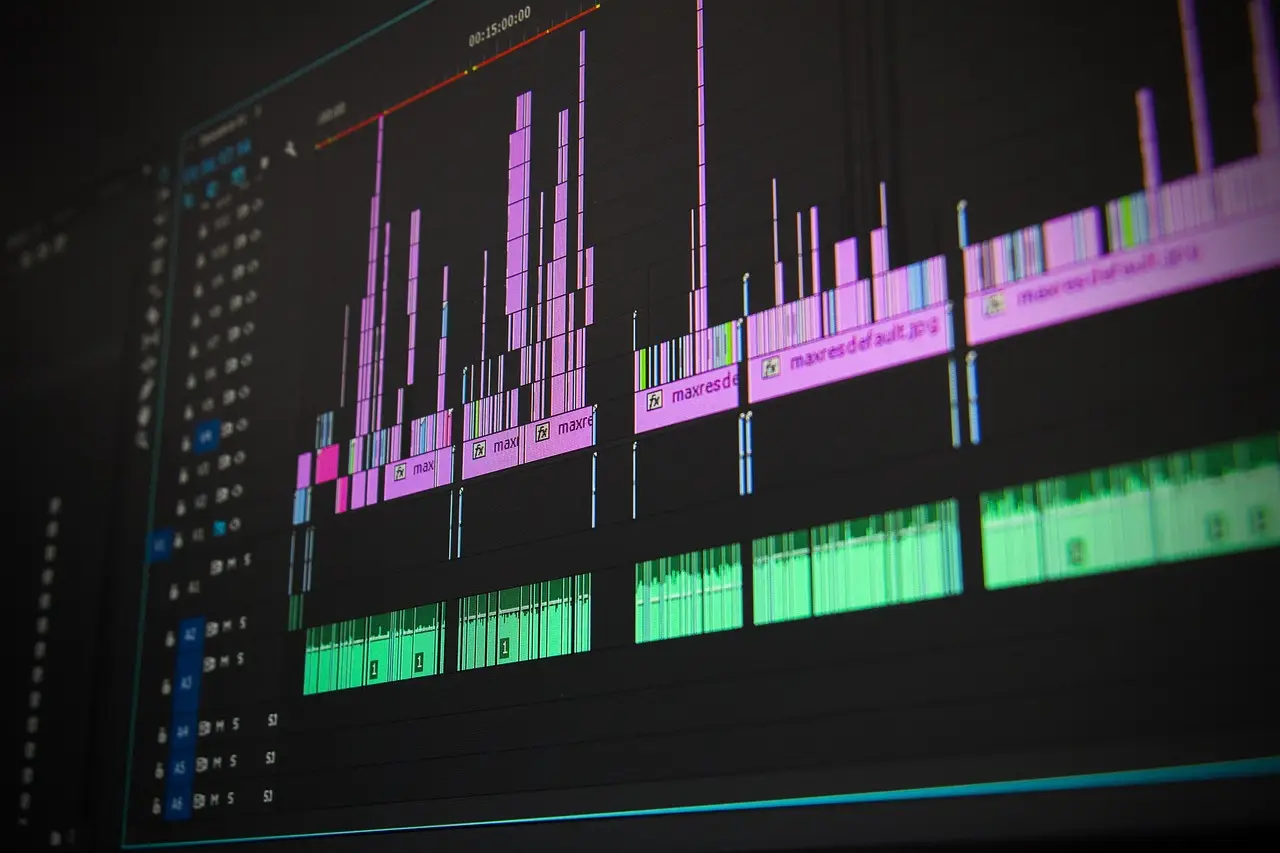
Premiere Rolls Out Color Mode, AI Tools and Mobile Music
Adobe is rolling out Premiere Pro’s production Color Mode, Creative Agent, generative media and AI audio tools, while a beta object remover and mobile music access carry separate limits.
Processing notes
- Premiere Pro updates start rolling out to Creative Cloud subscribers today.
- Color Mode enters production after a beta that began last April, replacing the Lumetri Color Panel.
- Creative Agent can apply effects, track masked subjects and adjust color or exposure through natural-language prompts.
- Generative Remove is limited to the beta version of Premiere Pro.
- Hundreds of thousands of UMG and WMG tracks are available on iPhone for non-commercial use; Android is coming soon.
Adobe says its Premiere Pro updates will start rolling out to Creative Cloud subscribers today, putting Color Mode into production after a beta that began last April and adding an AI assistant, generative media and AI audio tools.
Color Mode reaches production
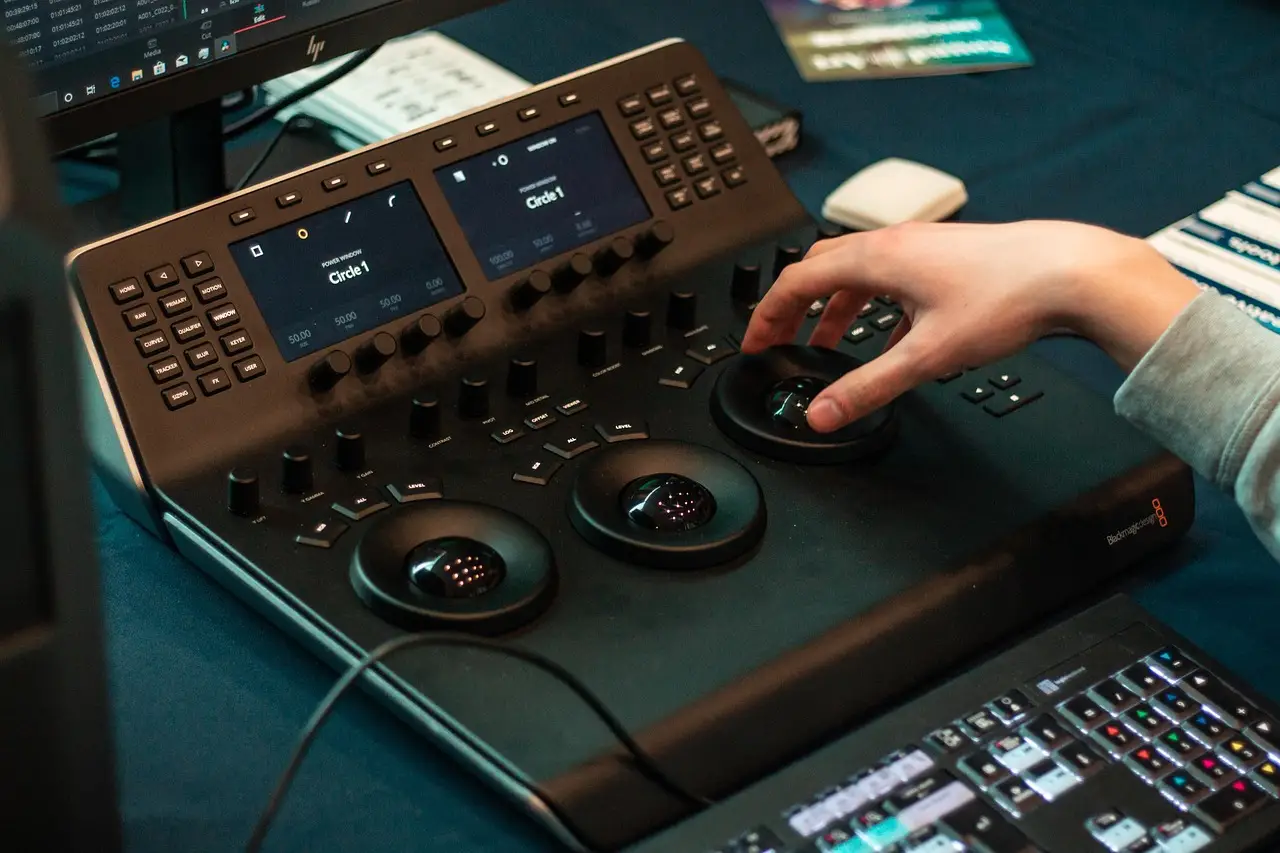
Color Mode is rolling into the production version of Premiere after sitting in beta since last April. It replaces the Lumetri Color Panel, Adobe’s grading interface for the past several years.
Adobe calls the system first of its kind. Its introduction also reads as a response to the more widely beloved system inside DaVinci Resolve, although Adobe supplied no side-by-side workflow or output measurements.
Adobe says: “Most Color Mode controls are bi-directional. Move your mouse up and down for one control, left and right for the other.”
Each control activates a heads-up display containing scopes, numerical information and real-time animated feedback. Shift enables precise single-axis adjustments, while Adobe describes the overall system as intuitive and responsive to the editor’s thought process.
The controls animate as editors use them. Grading can target single clips, groups or entire sequences without layers, and Adobe says editors no longer need to copy and paste attributes while tracking how color flows through a timeline.
That changes workflows.
AI tools enter the timeline
Adobe’s Creative Agent is a natural-language assistant that can direct and execute complex, multi-step editing workflows. Adobe lists three practical applications:
- Apply effects across every clip in a sequence.
- Track a masked subject through a frame.
- Adjust color and exposure across an entire sequence simultaneously.
For photographers delivering video, that could consolidate several repetitive passes into one prompt, reducing cleanup time and the number of manual handoffs. The announcement provides no benchmarks for speed, accuracy or sequence length, so the gain remains unmeasured.
The Generative Media Tool places generative AI directly in the timeline. Editors can create missing video clips, including b-roll, alongside sound effects, soundscapes and background music. Adobe says the underlying AI can be Firefly or third-party systems including Google, Kling, Runway and Luma.
That choice gives studios more model flexibility but adds variables around cost, output consistency and usage rights. Adobe did not specify credit consumption, model-specific fees or commercial-use terms for generated material.
Adobe’s AI audio tools can clean up, separate and refine sound. Premiere can divide audio sources into individually editable stems, while Adobe also claims it can separate crosstalk, meaning overlapping speech can be placed on independent tracks. Stem editing has also recently appeared in Apple’s Logic Pro, so Premiere is not alone in offering the basic workflow.
Generative Remove, by contrast, is coming to the beta version of Premiere Pro. Editors can mask and track objects, then have Premiere fill the space with replacement detail while leaving the rest of the clip untouched. Adobe’s examples include boom microphones, logos and background distractions. The feature could cut manual masking work, but its beta status makes measured production results and artifact rates unavailable.
Premiere Mobile adds licensed music
The mobile changes, announced last week, are separate from the Premiere Pro rollout. Adobe is making hundreds of thousands of music tracks from UMG and WMG available in Premiere on iPhone for personal, non-commercial videos, with Android access planned for later.
Adobe stated: “Music from UMG and WMG is available starting today in Premiere on iPhone for use in personal, non-commercial videos, with availability on Android coming soon.”
For commercial projects, Adobe says studios can continue using Adobe Stock Audio. The larger mobile catalog therefore does not remove music costs from paid client work, and Adobe has not supplied a date for bringing its agentic editing experience to Premiere Mobile.
What does this change for client work?
The immediate change is post-production, not capture. Nothing in the announcement changes camera bodies, lenses or shooting costs, so it does not justify replacing capture gear by itself.
For photo businesses producing social video, events or branded campaign material, the practical case is potentially faster assembly, audio cleanup and sequence-wide correction. Those savings depend on editors verifying generated assets, checking rights and reviewing whether an AI-assisted result meets the client’s final delivery standard.
The mobile music restriction is equally concrete: its personal, non-commercial license cannot support a billable client deliverable. Creative Cloud pricing, eligible subscription tiers and full-rollout timing also remain unspecified.
The next checkpoints are the promised Android release, the arrival of agentic editing on mobile and clearer credit, pricing and rights terms. Until those arrive, studios should treat Premiere’s AI tools as supervised production features rather than automatic deliverables.
via PetaPixel (Source)
More from Grace Kim
Show full bio
News editor covering technology and product news in professional photography industry at Photo Trade Wire.
174 articles