FR-D113ƒ/2 · 1/125 · ISO 400Roll /photo-software
Capture One Pushes Portrait Retouching as an Adobe Alternative
Capture One’s 2025 portrait tools cover blemishes, teeth, under-eye areas, stray hair and skin tone, while synced mobile workflows and a 20% subscriber discount challenge Adobe.
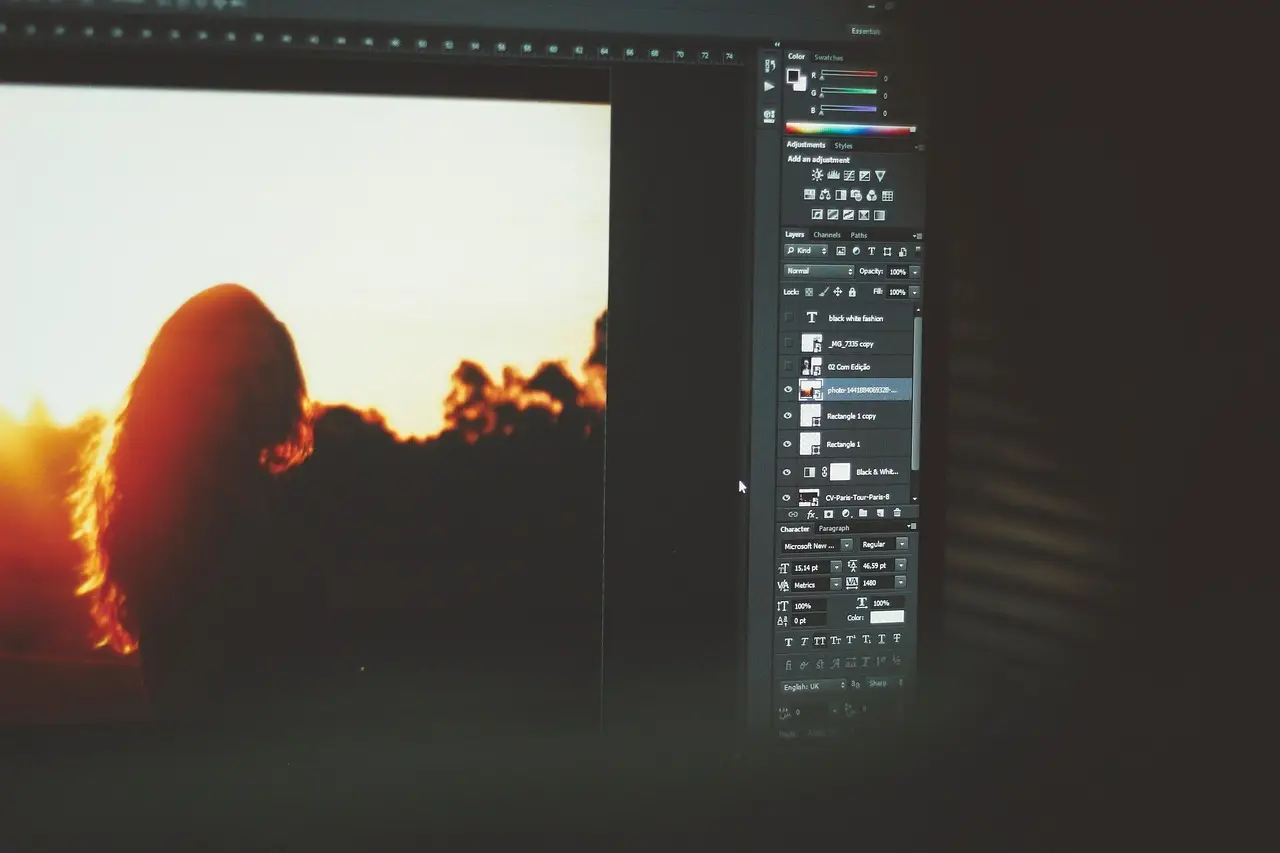
Processing notes
- Capture One introduced portrait-retouching enhancements in 2025.
- The tools cover blemishes, teeth, under-eye areas, stray hair and skin tone.
- Capture One says some AI is involved while most portrait enhancements use longstanding algorithmic editing.
- Phoblographer subscribers receive 20% off Capture One.
- Phoblographer membership costs $45 per year.
By Tom Whitfield
Capture One introduced portrait-retouching enhancements in 2025, while Phoblographer subscribers can now receive a 20% discount on the software. Those two numbers frame a focused bid to keep professional portrait work inside Capture One’s desktop, mobile and iPad workflow instead of handing routine cleanup to Lightroom and Photoshop.
Does Capture One actually replace Adobe?
For years, serious photographers edited in Capture One and finished in Photoshop because Adobe offered more power. Phoblographer says that handoff is now unnecessary for many minor retouches, but still useful for artistic work, extensive object removal, and compositing.
Phoblographer’s larger claim is that Capture One can approach Adobe’s power with far less AI, better terms of use, and arguably better editing. The article puts it plainly: “Capture One is a photography suite.” The pitch is clear. The proof is missing: neither “far less” nor the licensing terms are defined.
Recent communications target portrait photographers after earlier updates aimed at photojournalists and landscape shooters. No version or release date identifies the newest update, so the 2025 date marks the enhancement rollout’s introduction rather than the latest refresh.
Capture One has also changed its backend since raising prices, but no price amount or licensing detail appears. Studios calculating software costs get no help from those omissions.
Capture One’s current portrait tools can clear blemishes and adjust teeth, under-eye areas, stray hair, and skin tone. The company has acknowledged that some AI is involved while saying most enhancements rely on algorithmic editing methods that have existed for years.
The latest marketing does not separate those contributions, so the article cannot show how much automation sits behind each control. Haze filters and in-camera skin smoothing can also reduce visible cleanup; the article presents them as supplements rather than substitutes for detailed retouching.
Takeaway: Capture One now covers many routine portrait fixes, but the article does not quantify AI reliance or performance against Adobe.
What comes beyond retouching?
Capture One also syncs mobile and iPad versions with desktop, and adds cloud storage, collections, content credentials, and tools for wedding, photojournalism, and landscape work.
Phoblographer’s staff is moving to the Studio edition this year, though one publication’s internal move does not establish wider adoption. No edition price appears, so the budget effect for a solo studio or larger team remains unclear.
On Capture One’s dedicated retouching page, customers see before-and-after photographs and slider comparisons, with little video or moving material. Customer emails include tutorial videos, but the emphasis remains the still image.
That positioning separates Capture One from marketing that groups photographers with video makers, hybrid shooters, and other “content creators.” Phoblographer even rejects grouping photographers with an OnlyFans star, using the example to distinguish attention-economy imagery from art intended for museums and personal collections. Photographers should ask whether a vendor’s roadmap follows their paying clients rather than broader creator demand.
Takeaway: Capture One sells a photography-specific identity, not merely a generic editor, although that positioning does not establish measured output quality.
Why would a photographer switch?
Phoblographer says its staff moved away from Adobe partly because Capture One renders photographs more naturally. In its view, “With Lightroom and Photoshop, images end up coming out and looking like AI touched them even if they didn’t,” while Capture One photographs “look actually like photographs.”
That is an editorial judgment, not a controlled comparison, and the article provides no sample files, display settings, or test method. Still, the claim targets a business problem: photographers who dislike Adobe’s increasingly automated look may accept a learning curve if final files better match their intent.
Capture One can be customized to resemble Lightroom. The author puts the filmstrip along the bottom, gives the main image most of the window, and positions tools above and to the right because the right eye is stronger and the author has keratoconus.
Learning the application becomes manageable, the article argues, once photographers commit to using it. Phoblographer has recently tested a large number of Lightroom alternatives and calls Capture One one of the best, saying it can perform most Lightroom functions without Adobe’s extra AI. Its view that photographers have taken too long to test alternatives remains a forecast, not evidence of switching.
Takeaway: Capture One’s switch appeal rests on workflow preference and perceived rendering, but the evidence here is anecdotal rather than controlled.
What does the discount actually save?
Phoblographer subscription members receive 20% off Capture One. The outlet’s $45-per-year membership supports its reporting and includes:
- Ad-free navigation and a free mystery box for Lightroom or Capture One.
- Access to all books in the Phoblographer store.
- 20% off Capture One, Herbs and Kettle Tea Company, and MPIX printing services.
- 5% off Viltrox products through the company’s e-commerce store.
- 10% off film developing, printing, and scanning from Blue Moon Camera and Machine.
- 15% off 7Artisans lens and accessory products.
- 15% off a VSCO One subscription and its all-in-one package.
The offer lowers the member price, but the article gives no Capture One list price, eligible plan, renewal terms, or dollar saving. It therefore cannot support a cost-of-ownership claim against Adobe. A photographer’s decisive test is a live client job: match a client’s grade, retouch a portrait, export the delivery size, and measure whether time remains for compositing and other paid postproduction.
Takeaway: The next test is whether studios can consolidate routine portrait retouching in Capture One without losing advanced Photoshop work or raising software and labor costs; the 20% member deal is concrete, but savings remain unproven until list price and plan terms are disclosed.
via The Phoblographer (Source)
More from Tom Whitfield
Show full bio
Senior reporter covering technology and product news in professional photography industry at Photo Trade Wire.
100 articles