HyperCam Trigger Is Free, With Pro Features Starting at $3.99 Monthly
HyperCam Trigger now offers motion, clap, lightning, movement, stability, timelapse and smile-based shutter triggers for iPhone. Pro tools start at $3.99 monthly.
Processing notes
- HyperCam Trigger is available now as a free iPhone App Store download.
- Pro access costs $3.99 per month, $22.99 per year or $44.99 for lifetime access.
- Triggers include motion, clapping, sudden light, camera movement, stability, timelapse changes and smiles.
- Paid features include subject filters, frame extraction, detection zones, longer buffers and bursts, RAW and HDR.
- DSLR and mirrorless users have used lightning triggers for years; Bolt Hunter reached the market earlier this year.
HyperCam Trigger is available now as a free iPhone App Store download. Pro access costs $3.99 per month, $22.99 per year, or $44.99 for lifetime access.
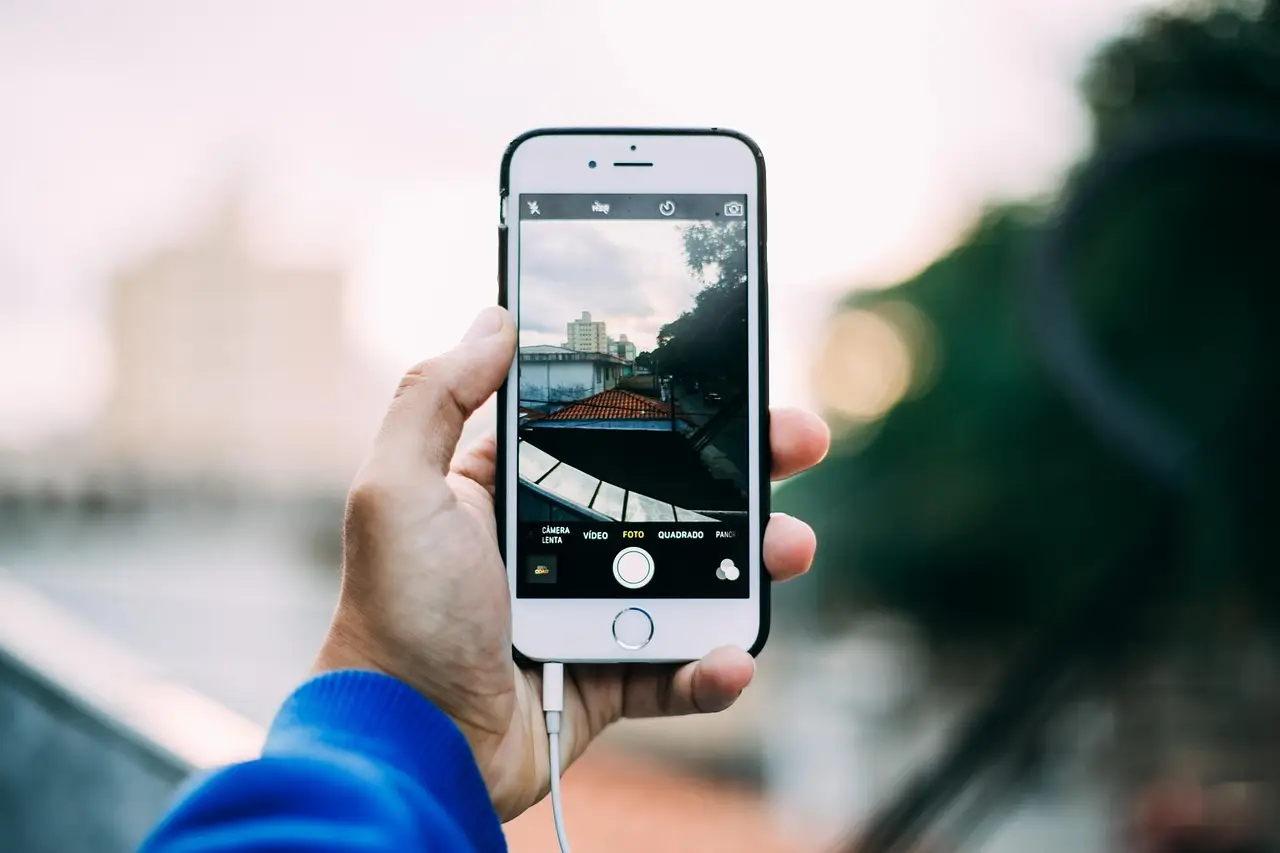
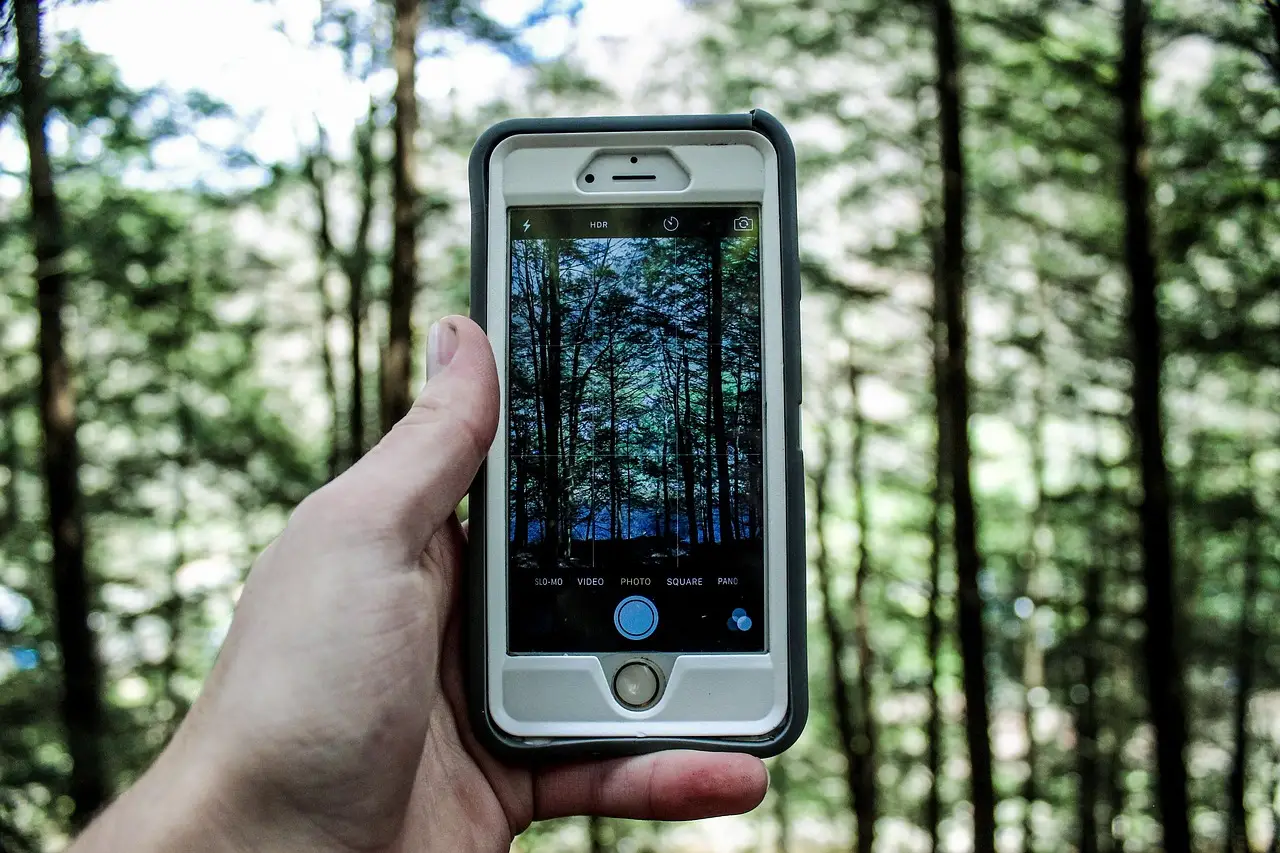
The app’s proposition is shutter timing, not a new imaging pipeline. According to HyperCam’s product description, it “uses various listening and detection methods” to fire the camera at the right moment. Users can set detection sensitivity and the delay between detection and shooting.
What does this change for working photographers?
HyperCam Trigger can respond to several conditions:
- Motion: It can trip the shutter as soon as motion appears in the frame, targeting sports, children and pets.
- Clapping: For a group portrait, it can listen for someone in the frame to clap and trigger an immediate shot instead of relying on a self-timer.
- Sudden light: It can detect a surge of light hitting the camera, offering a separate lightning trigger from audio detection.
- Camera movement: It can fire when the iPhone moves or tilts, producing a response to camera shake.
- Complete stability: It can trigger when the phone remains stationary, such as on a tripod.
- Timelapse changes: It can capture timelapse photographs when light or motion changes.
- Smiles: It can wait until someone in the frame smiles.
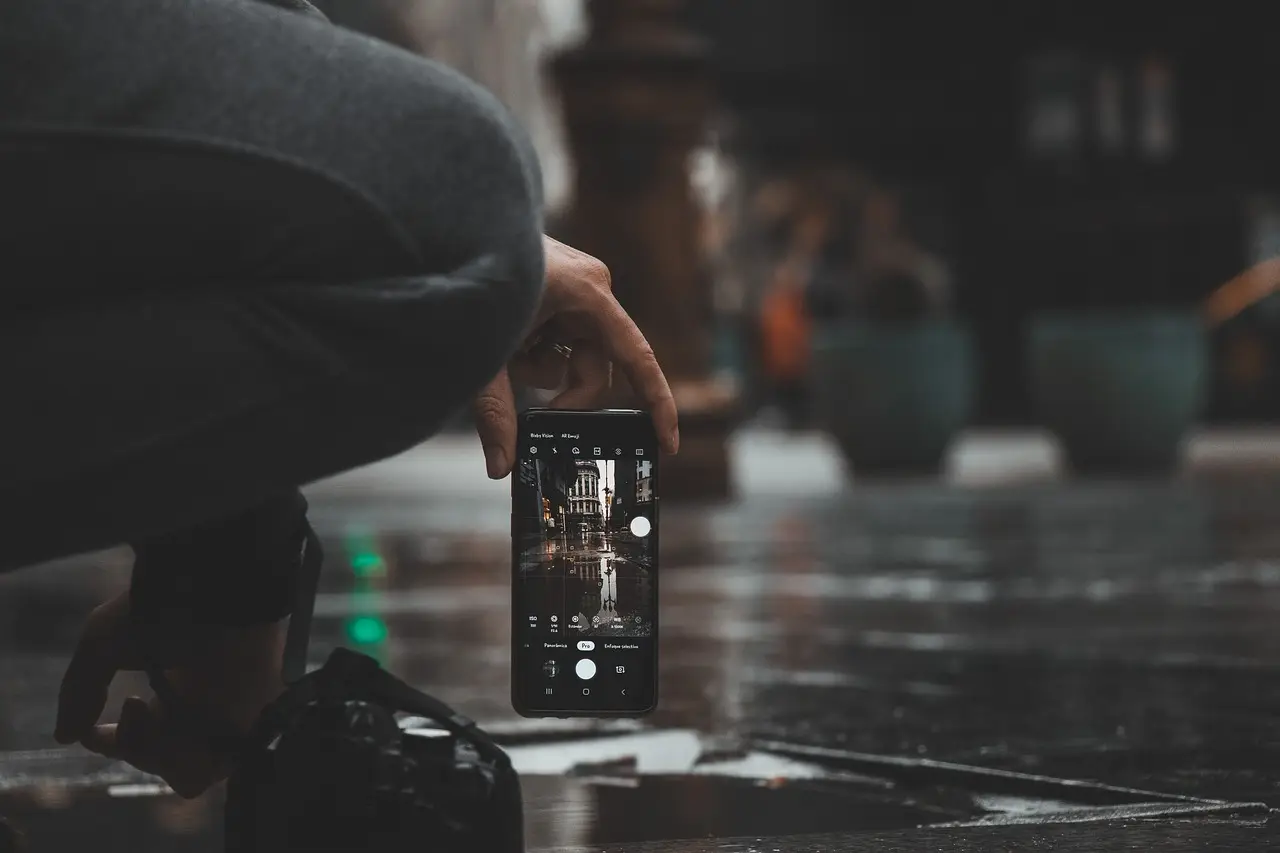
Lightning photography was the app’s original purpose and remains a core focus. Audio detection can respond to thunder, although that sound arrives after the lightning flash. The light-detection method offers another route for catching the initial strike.
The practical change is automated release timing in situations where one person cannot both direct a subject and operate the camera. For portrait clients, a clap can replace the self-timer. During action coverage, motion detection can fire once the subject moves. The likely commercial benefit is fewer missed frames, retakes and reshoots.
That is workflow insurance, not a guarantee. The announcement provides no trigger-accuracy rates, missed-event rates, supported iPhone models, battery impact or comparison with dedicated lightning triggers. It also makes no claim about autofocus, exposure or image quality. Timing is the product; the image remains the iPhone’s.
The free download covers the basic application, but several tools sit behind the HyperCam Pro paywall:
- Subject filters
- Short event video recording with frame extraction
- Detection zones
- Longer pre-trigger buffers, meaning more saved images before a trigger fires
- Longer bursts
- RAW recording
- HDR (high dynamic range)
Pro pricing gives photographers a monthly, annual or lifetime commitment, although the announcement provides no trial terms, refund policy or detailed comparison of plan entitlements. Working photographers can therefore test the basic triggers without spending money, then decide whether the advanced tools justify ongoing access. For a photographer billing for group portraits or action coverage, that cost matters only if missed moments translate into retakes or reshoots. The source offers no conversion figures.
HyperCam is not the first product to automate lightning timing. Photographers using DSLRs and mirrorless cameras have relied on lightning triggers for years, and new products reach the market periodically. Bolt Hunter arrived earlier this year. HyperCam shares the same basic premise: a photographer cannot manually press the shutter quickly enough to catch every fleeting event. Long, rapid bursts improve the odds, but automated assistance is required for consistent success.
For now, HyperCam Trigger is a shipped iPhone utility rather than a measured performance system. The next meaningful update would include trigger accuracy, missed-event rates and device compatibility. Those figures will determine whether it becomes a standard mobile workflow tool or remains a clever niche.
via apps.apple.com (Original)
More from Elena Vasquez
Show full bio
Staff writer covering money, funding and market shifts around professional photography industry at Photo Trade Wire.
137 articles