VSCO Launches Studio Pro Desktop, Pushing Batch Editing to macOS
VSCO's first native desktop editor handles 500-photo batches, 200+ film presets and RAW files from 800+ cameras on macOS, from $60/year. Missing curves and masking — for now.

Processing notes
- VSCO Studio Pro Desktop launches on macOS with batch editing of up to 500 photos at once.
- The app supports RAW, JPEG and HEIC from more than 800 cameras across 20 brands.
- Over 200 film-inspired presets ship at launch; presets and batch editing require a subscription.
- VSCO Pro memberships start at $60/£60/CA$80/AU$100 annually.
- Features like masking, curves, a remove tool and manual culling are on the roadmap but not in version 1.0.
VSCO has shipped its first desktop photo editor, Studio Pro Desktop for macOS, built for high-volume batch work — up to 500 photos processed in a single pass. The app is free to download, but the features pros actually need, including presets and batch editing, sit behind a VSCO Pro subscription starting at $60/£60/CA$80/AU$100 per year. Monthly plans are also available.
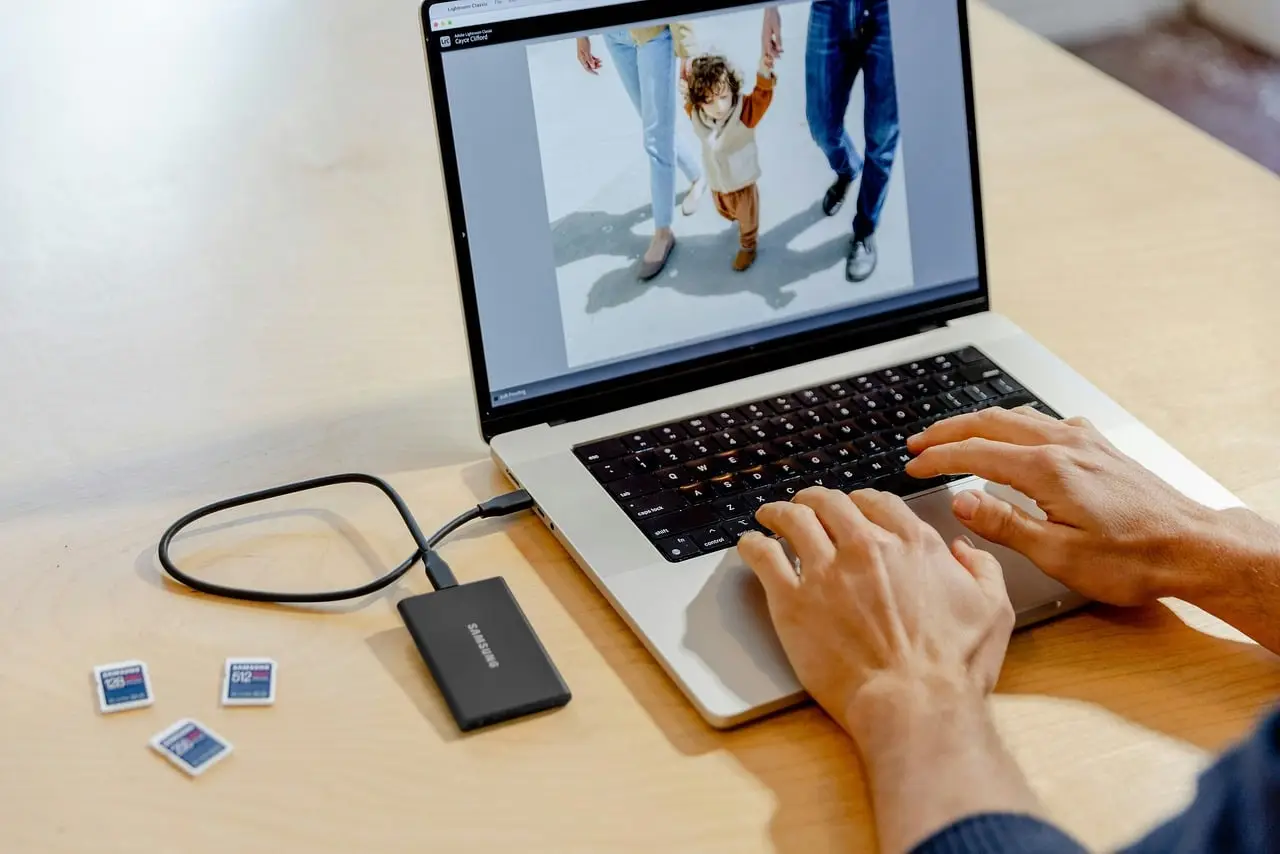
The move puts VSCO in direct competition with Adobe Lightroom and Capture One on the Mac, a significant shift for a company built on mobile presets. Studio Pro Desktop imports RAW, JPEG and HEIC files from a computer, external drives, memory cards or the macOS Photos app, with support for more than 800 cameras across 20 brands at launch.
What does the desktop app actually include?
The film-inspired looks that made VSCO's name carry over. The desktop version ships with more than 200 presets, including profiles inspired by Kodak Portra, Kodachrome, Fujifilm Velvia and Kodak Tri-X, plus an exclusive preset from photographer Joe Greer. That's the headline for photographers who've built a client look around VSCO's mobile renders and want it in a full desktop pipeline.
Editing is non-destructive, writing adjustments into metadata the way Lightroom and Capture One do, so changes remain reversible and re-tweakable later. The launch toolset covers:
- Exposure, contrast, sharpening, saturation
- Highlights and shadows
- White point and black point
- Clarity, white balance, HSL
- Skin tone, vignette, grain, fade, crop
Workflow basics are present too: before-and-after comparison, zoom-to-check-focus, undo/redo, keyboard shortcuts, favorite-marking at import, and export controls for resolution and quality.
What's missing — and what's coming
This is a 1.0 product with a public roadmap. VSCO says it's soliciting feedback and anticipates adding project organization, manual culling, a remove tool, masking, curves, bloom and halation, and multi-image publishing to a VSCO profile. Until then, the app is thinner than mature rivals on selective edits and tone curves — gaps working pros will weigh against the lower price point.
Part of a broader pro push
Studio Pro Desktop follows Studio Pro for iOS, launched earlier this year, and continues VSCO's expansion beyond consumer filters. The company acquired studio management software Tave and the education platform The Freelance Photographer, and Studio Pro Desktop integrates publishing to VSCO Galleries for client delivery without leaving the app. VSCO One, the higher tier, bundles those client-management tools with the editor.
VSCO already had a browser-based editor and desktop-accessible Galleries, but this is its first native desktop editing app. The strategy is clear: one ecosystem covering studio management, editing and client delivery, priced at a fraction of an Adobe photography subscription.
For high-volume shooters who already live in VSCO's aesthetic, the $60-a-year question is whether batch sync and the preset library offset the missing masking and curves. If VSCO ships its roadmap on schedule, that math gets easier.
via digitalcameraworld.com (Source)
More from Nathan Brooks
Show full bio
Correspondent covering regulation, policy and their impact on professional photography industry at Photo Trade Wire.
150 articles