VSCO Ships Studio Pro Desktop Raw Editor at $5 a Month
VSCO's first standalone desktop editor brings 200+ film presets, 500-image batch Raw editing and direct gallery delivery to macOS from $5 per month.
Processing notes
- Studio Pro Desktop is VSCO's first standalone desktop editor, available for macOS.
- Full access requires VSCO Pro at $5/month or $60/year, versus Lightroom's $11.99/month.
- Raw support covers 800+ cameras across 20 brands; batch editing handles 500+ images.
- Culling, Projects and star ratings are tentatively planned for January; AI Remove tool targeted for Q1 2027.
- The editor ships with more than 200 presets plus a new Joe Greer collaboration, IOE1 PRO.
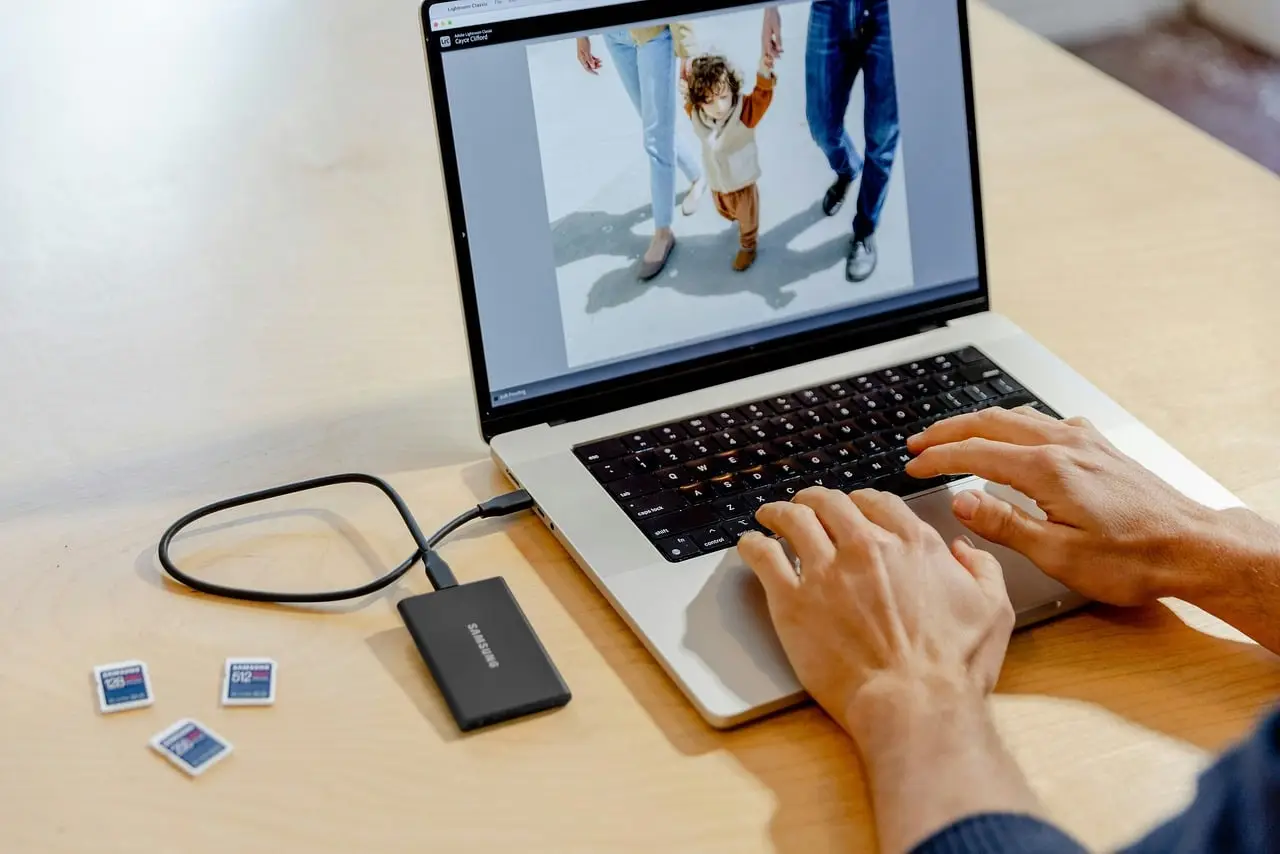
VSCO has released Studio Pro Desktop, its first standalone desktop photo editor, for macOS, with full access tied to VSCO Pro memberships starting at $5 per month or $60 per year. That price positions the app well below Adobe's Lightroom plan at $11.99 per month and the $19.99 Photography plan, in what the company frames as a bid to hold working photographers inside one ecosystem from mobile capture through client delivery.
The launch follows Studio Pro for iPhone and the VSCO One membership program, both announced in June. CEO Eric Wittman said the desktop app targets photographers who started on phones and are now taking on more demanding assignments.
"At some point, as you become more successful, you need desktop," Wittman said. "And so, we want to be that place where they can continue to evolve in their creative career, and not just have to go to somewhere else."
What does the editor include at launch?
Studio Pro Desktop combines more than 200 film-inspired presets with non-destructive Raw editing (adjustments stored inside the app rather than written to the original file). The preset library covers looks modeled on Kodak Portra, Kodachrome, Fujifilm Velvia and Kodak Tri-X, with filtering by category, hover previews and background notes on each look. A preset developed with photographer and former VSCO employee Joe Greer, called IOE1 PRO, ships alongside the library; VSCO describes it as combining warm tones and subtle saturation with film-style rendering.
Standard adjustment tools include exposure, contrast, white balance and HSL (hue, saturation and luminance) controls, plus cropping, straightening and perspective correction. Product manager Kyle Hale demonstrated a bespoke grain tool modeled on actual film grain, with adjustable strength, size and color.
"There's a lot of R&D that went into producing a brilliant grain tool," Wittman said, citing its use of color rather than purely monochromatic grain.
The company's new Reflex image engine supports real-time adjustment previews. Raw support covers more than 800 cameras across 20 brands, and batch editing handles more than 500 images at once. Hale was direct about the engineering priority: "We want to be the fastest in the business in terms of how we allow people to edit their Raw images." A former wedding photographer himself, Hale tied that focus to commercial reality. "They're trying to run a business, and so editing is one small sliver of the work that they do," he said.
How does client delivery work?
Edited images publish at full resolution directly to VSCO Galleries without a separate export-and-upload step. In a demonstration, the app processed edited Raw files into JPEGs for delivery while other work continued in the editor. "That's kind of the beauty of just one system," Wittman said. Removing an image from Studio Pro Desktop leaves the original file untouched on the computer or external drive.
What is missing at launch?
Several workflow features are not shipping yet. Hale said Projects, culling and star ratings are tentatively planned for January, while saved editing recipes and an AI-powered Remove tool are targeted for the first quarter of 2027. Curves arrive in a post-launch update. Favoriting presets is also planned for later.
On AI, Wittman described the approach as "human-centered, AI-assisted," aimed at tasks such as retouching or removing a street sign rather than generating content. He said VSCO does not train generative models and has partnered with companies that, by its account, will not train on its data. Presets and some effects use no AI at all.
The app is a free download, but presets and batch editing require a paid membership. VSCO's toolset is narrower than Lightroom's at launch, so buyers should weigh the lower subscription cost against the missing features before migrating a working post-production pipeline.
via go.skimresources.com (Original)
More from Amara Osei
Show full bio
Market editor covering companies, deals and strategy in professional photography industry at Photo Trade Wire.
167 articles